Your guide to getting started with 3DXChat

3DXChat is a real-time adult multiplayer world where you create your own 3D avatar and meet other players inside shared virtual spaces. Some people come for the social side. Others come for the private encounters. Many stay because the platform offers more depth than you expect at first glance.

Inside 3DXChat, you can explore public venues, host gatherings in your own apartment, customize your character in detail, and interact with other players in real time. It’s a persistent world that’s part social platform, part creative sandbox, and part adult experience.

Whether you’re new or returning after a break, this guide walks you through what to expect, how everything works, and where to start.

Start exploring the world for yourself:

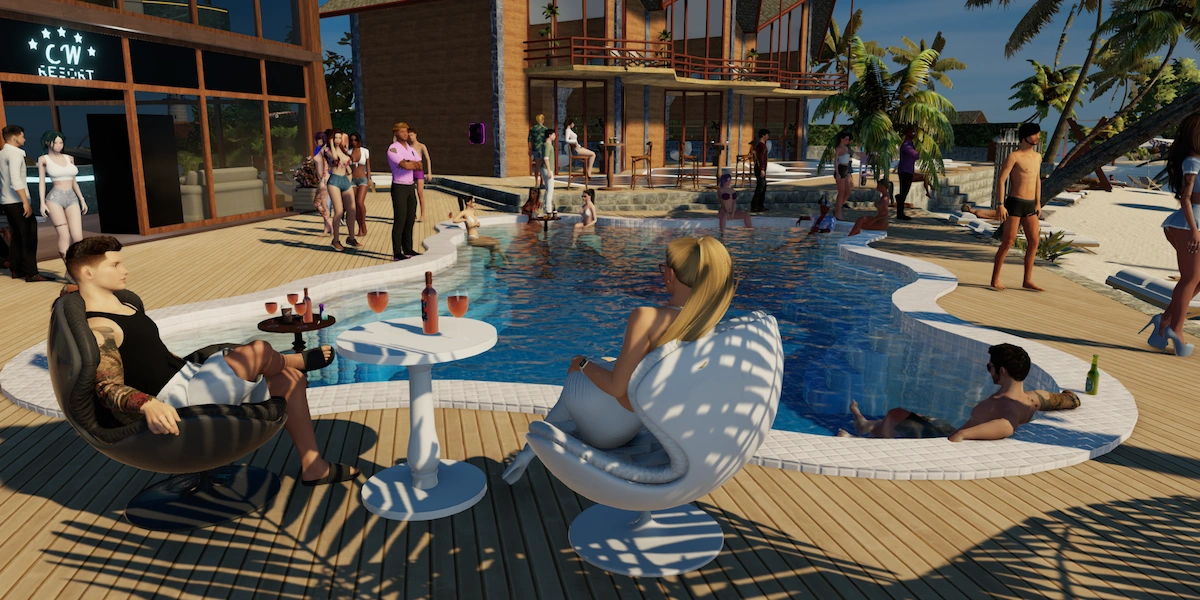
3DXChat public club environment with player avatars

What can you expect from a 3DXChat session?

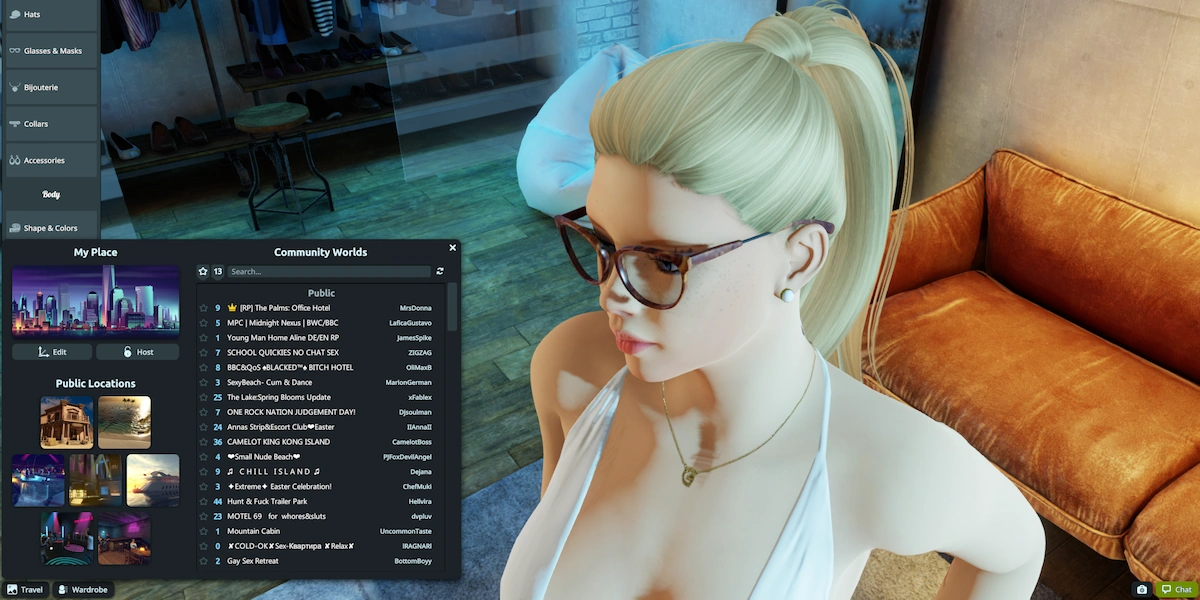
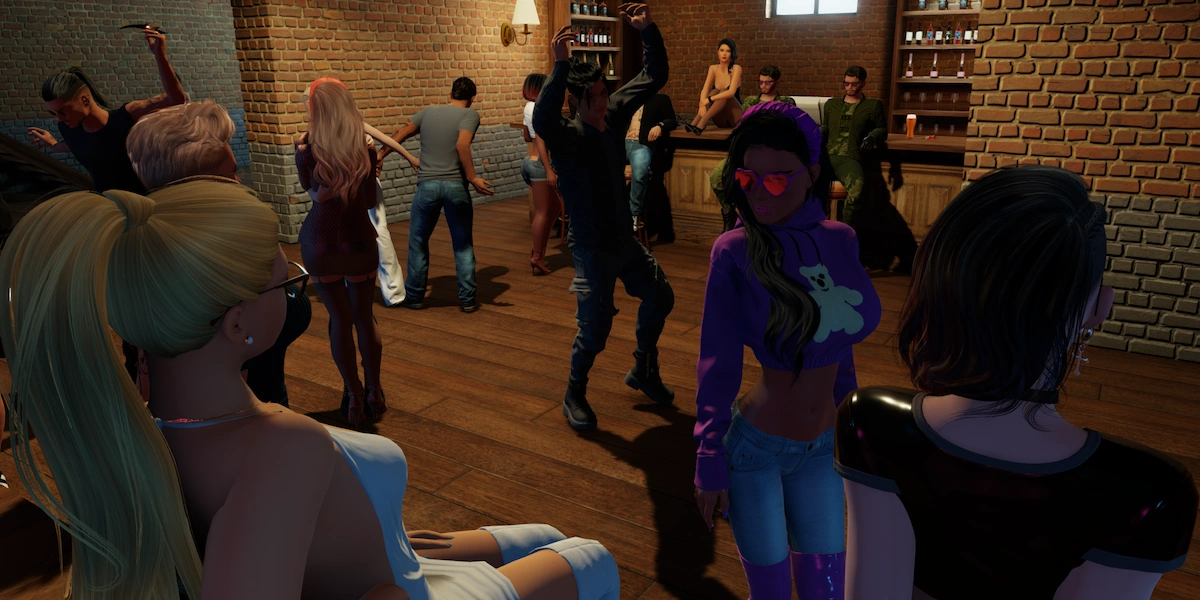
After creating your avatar, you pick a location and step into a live environment shared with other players. Some spaces are busy and public, like nightclubs or beach areas where people gather, chat, and see who’s around. Others are more private, where smaller groups meet inside apartments or custom locations built by users.

You can move freely through these spaces, start conversations, approach someone who catches your eye, or simply look around. The social side is real-time. People dance, sit down, leave, invite others over, which makes it feel active and alive.

How you play is up to you. Some players treat 3DXChat as a social hangout. Some lean into roleplay. Others are here mainly for the adult side of the platform. If two people decide to take things private, the game supports a wide range of sexual animations and scenarios.

If you want a deeper look at how a typical session unfolds from start to finish, check out our Gameplay page.

Creating your avatar: your identity in 3DXChat

The first real step inside 3DXChat is building your avatar. This is where most players take their time, because the customization options go surprisingly deep.

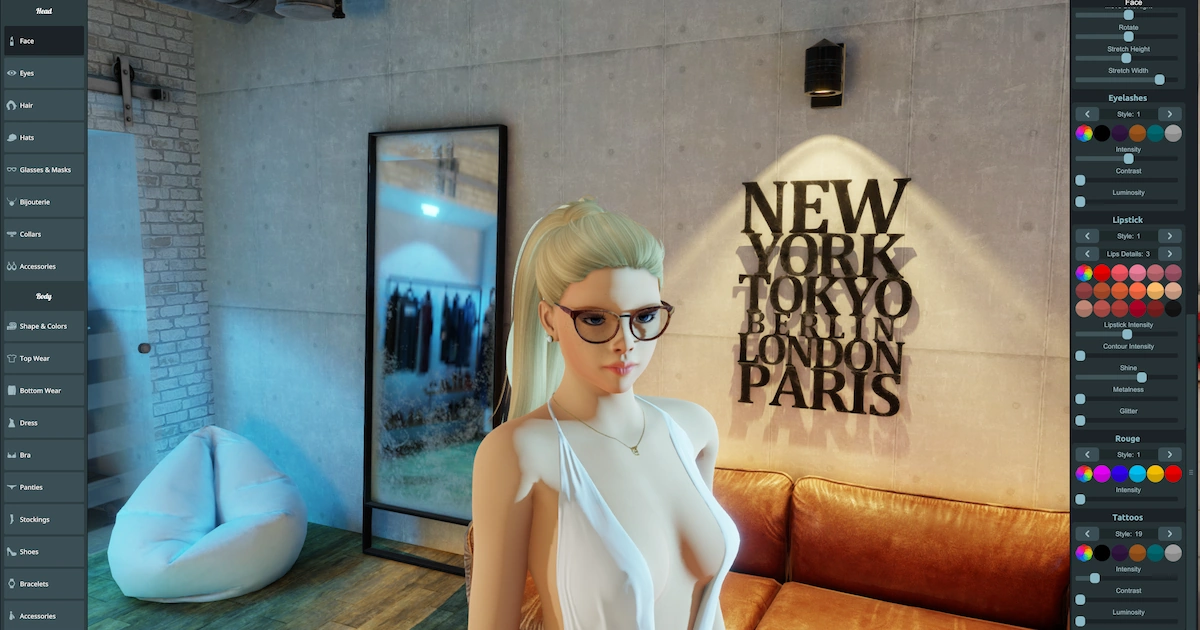
3DXChat avatar customization screen

You can adjust facial features, body shape, skin details, hairstyles, outfits, accessories, small aesthetic touches that change the overall vibe of your character. Some people go for a natural everyday look. Others create something more glamorous, bold, or deliberately provocative.

And it doesn’t stop after day one. Most experienced players keep refining their look over time. New clothing items and visual updates get added regularly, and your style usually evolves with you.

If you want a closer look at the avatar creation process, please read our Avatar creation guide.

Adult interaction and private encounters

While 3DXChat has a clear social side, the adult layer is a big part of why many players join.

Most encounters start the same way as everything else, with a conversation. You meet someone in a public space, chat for a bit, and if there’s a connection, you go somewhere more private.

Once alone, the experience can become explicitly sexual. There is a wide range of sexual animations that players can explore together. Because both people choose what happens, the encounter feels active and shared. The pace, tone, and intensity are all set by the participants.

How people use this part of 3DXChat varies. Some keep it casual. Others build ongoing connections or roleplay scenarios. The system itself stays flexible and leaves the dynamic to the players.

Building and customizing your own spaces

Beyond social interaction, 3DXChat also lets you control your own environment.

Each account includes a private, customizable apartment. You can adjust furniture, lighting, music, and overall atmosphere to create the kind of setting you prefer.

For players who want more control, the World Editor allows custom locations to be built from scratch. In fact, many of the clubs and themed venues inside 3DXChat are created by the community.

You don’t need to build anything to enjoy the game. But the option adds a creative layer for those who want it.

If you’re interested in designing your own spaces, take a look at our World Editor guide for a closer look at how it works.

VR support

3DXChat also supports virtual reality for players who want a more immersive experience.

With a compatible VR headset, you can step inside the world rather than viewing it on a monitor. VR is optional and not required to enjoy the platform. Most players use the standard desktop version. But for those who have the hardware, it adds another level of presence.

You can read our VR guide for more information about setup and compatibility.

Lovense integration

3DXChat supports Lovense interactive devices, allowing physical sensations to sync with what’s happening in-game.

When connected, compatible devices respond in real time to specific animations between players. The result is a more immersive and personal experience for those who want to take things further.

This feature is optional and requires separate hardware. If you’d like to see how it works and what’s needed to set it up, our Lovense guide explains everything in more detail.

Pricing, subscription and XGold

Access to 3DXChat requires a paid membership. There is no free or trial version.

The subscription unlocks the full world at once, including social spaces, private apartments, animations, and customization tools. You can find more details on our 3DXChat pricing page.

3DXChat membership  interface and pricing

Alongside the membership, the platform uses a virtual currency called XGold. XGold is used for optional extras such as additional avatars, virtual gifts, name or gender changes, and in-game marriage features. It is completely optional and not required to enjoy the core experience.

Players can purchase XGold directly, but it can also be earned over time through login rewards and in-game bonuses. You can learn all about XGold here.

System requirements and setup

3DXChat runs on Windows PC, so it’s worth checking the system requirements before downloading, especially if your computer is older or uses integrated graphics.

Installation itself is straightforward. After creating an account and downloading the client, you install the software, log in, and enter the world.

If you’d like a step-by-step walkthrough, our download and installation guide covers the full process in detail.

Updates and ongoing development

3DXChat continues to evolve with regular updates from the developers. These updates bring performance improvements, new content, and expanded customization options.

Over time, this has included new animations, clothing, visual upgrades, and technical refinements that keep the world feeling active.

If you’d like to see what has changed recently or track major additions, our updates page highlights the most important developments.

3dxchat avatar chilling on a boat

FAQ and help resources

Our FAQ page answers the most common questions about accounts, features, and in-game mechanics.

If you’re looking for more detailed explanations, the controls guide covers movement, camera settings, and interaction shortcuts step by step.

For broader discussions or technical support, you can also visit the official support channel or forum.

Ready to step into 3DXChat?

If you’re curious how it feels beyond the screenshots and descriptions, the only way to really understand it is to enter the world yourself.

You can create your account, install the client, and see how the experience unfolds once you’re inside.